Using an iPad for Programming
02.04.22The iPad is an excellent media consumption device however thanks to some new tools it has become an incredible device for programming. In this post I detail some of the tools I have found myself using to improve my workflow.
I would highly recommend an external keyboard with the iPad if you plan on utilising this wonderful device to program on.
Github Codespaces
Truly a wonderful piece of technology that will save you so much time, storage space and more whether you are using it to code on the iPad or even if you are just utilising it on your laptop.
You can ssh into the codespaces like you would a normal server and then access the files using a terminal based editor such as vim or if you are really hardcore code everythign using echo and cat.
A second method for accessing codespaces is via Visual Studio Code using the Codespaces extension, this is the best way on a laptop in my opinion.
However the method you want to be using if you are learning to code on your iPad is via the web, you can connect to the codespace and a fully featured version of VSCode will open in your browser window, allowing you to install extensions, run terminal commands and edit your files as though you were using VSCode on your desktop.
Swift Playgrounds
Orginally just a simple app aimed at kids learning the logic behind computers and programming, which is a wonderful use however since then Apple have added a convenient mode which essentialy turns the iPad into the ultimate device for programming and publishing using SwiftUI, which let’s be honest if you are building iOS applications you should be using SwiftUI.
You can even build games using SpriteKit on Swift Playgrounds now!
Notes
The Apple Pencil creates an incredible note taking experience allowing me to have a YouTube video or browser window open, with the Notes app on the left hand side means I can scribble some notes down and have them converted into typed text, I get the benefit of writing and sketching little diagrams without the annoyance of trying to read my hand writing later on.
Procreate
You might be thinking, how on earth could I a programmer use an artists tool like Procreate and to be honest other than for a few doodles when I was bored I wasn’t too sure, that being said I recently started working on a new SaaS project and being able to draw out Stack Diagrams and my Database Schema charts, I really appreciated the fluid drawing tools provided by Procreate.
Conclusion
The iPad is a powerful and portable device that allows you to get all manners of task ranging music production to web development and is highly worth a purchase.
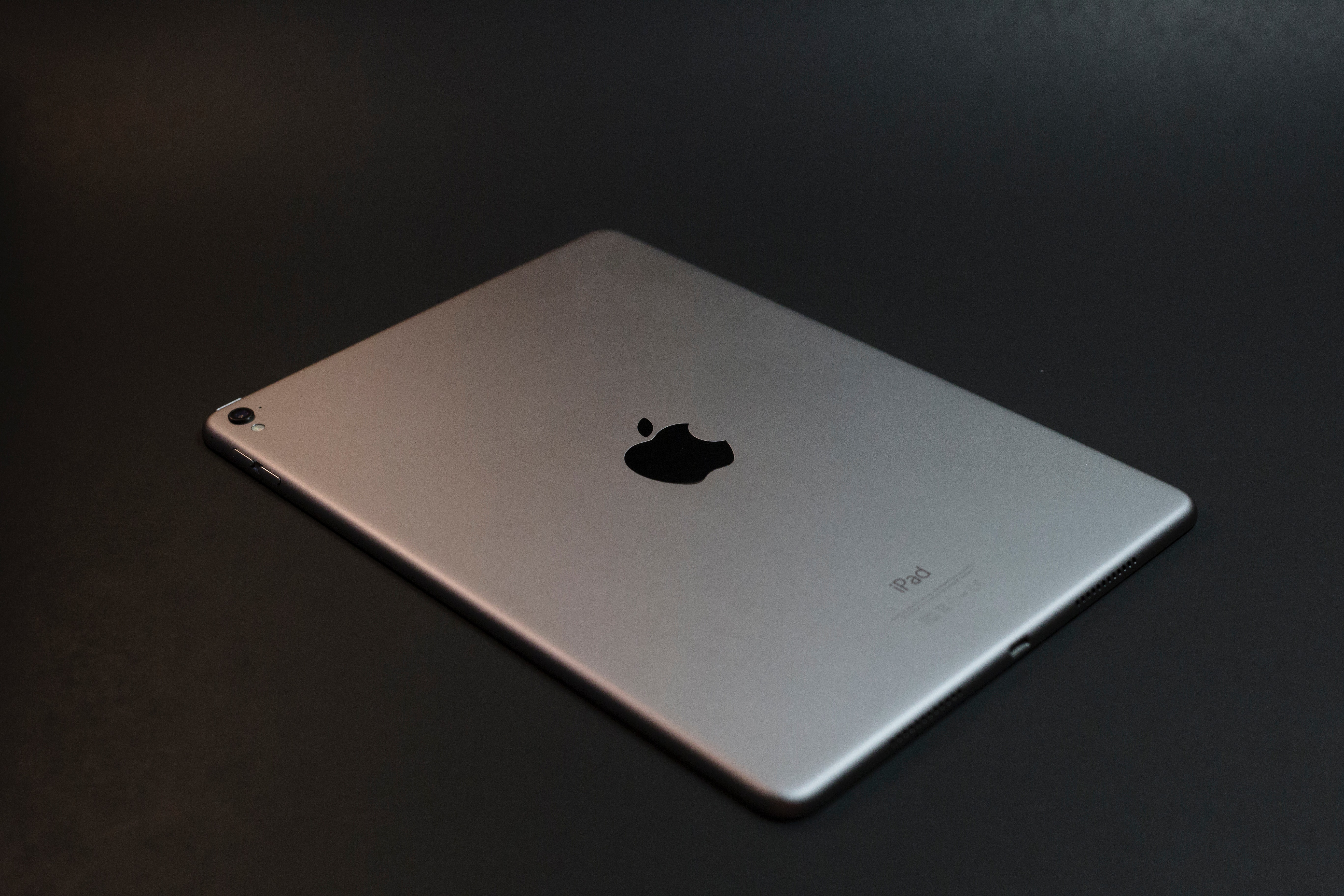
Featured image courtesy of Josh Sorensen
Thanks for reading this post.